
How Do I Use Grok? A Business Owner's Guide
How to use Grok for business: where to open it, how to sign in, how to talk to Grok by voice, prompts that work, file uploads, and the limits to know.

To use Grok, go to grok.com in a browser or install the Grok app on iOS or Android, sign in with your X account or an email address, and start typing or talking. You can switch modes for live search, deeper reasoning, voice conversation or image generation, and upload files and PDFs for summaries. Grok is free to try; the paid SuperGrok tier adds higher limits and multi-agent reasoning. This guide shows a business owner how to get useful work out of it, which settings to check before you paste in company information, and when it makes sense to build a custom Grok-powered assistant instead.
Last verified: October 18, 2026. Grok is made by SpaceXSI, the company formerly known as xAI. Features and menus change often; check Grok’s official page for the current list. Micromarketing is an independent agency and isn’t affiliated with SpaceXSI.
Where you can use Grok
There are three places to use Grok:
- On the web at grok.com. The best option for work: bigger screen, easy file uploads, shareable conversations.
- In the Grok app for iOS and Android. Good for voice conversations and quick questions on the go. History syncs across devices.
- On X. Grok is built into X. Note that Grok’s consumer terms say use of Grok on X isn’t governed by those terms; it falls under X’s own terms.
According to Grok’s official page, the getting-started steps are simple: open grok.com or the app, sign in with your X or email account, and start chatting.
How to use Grok, step by step
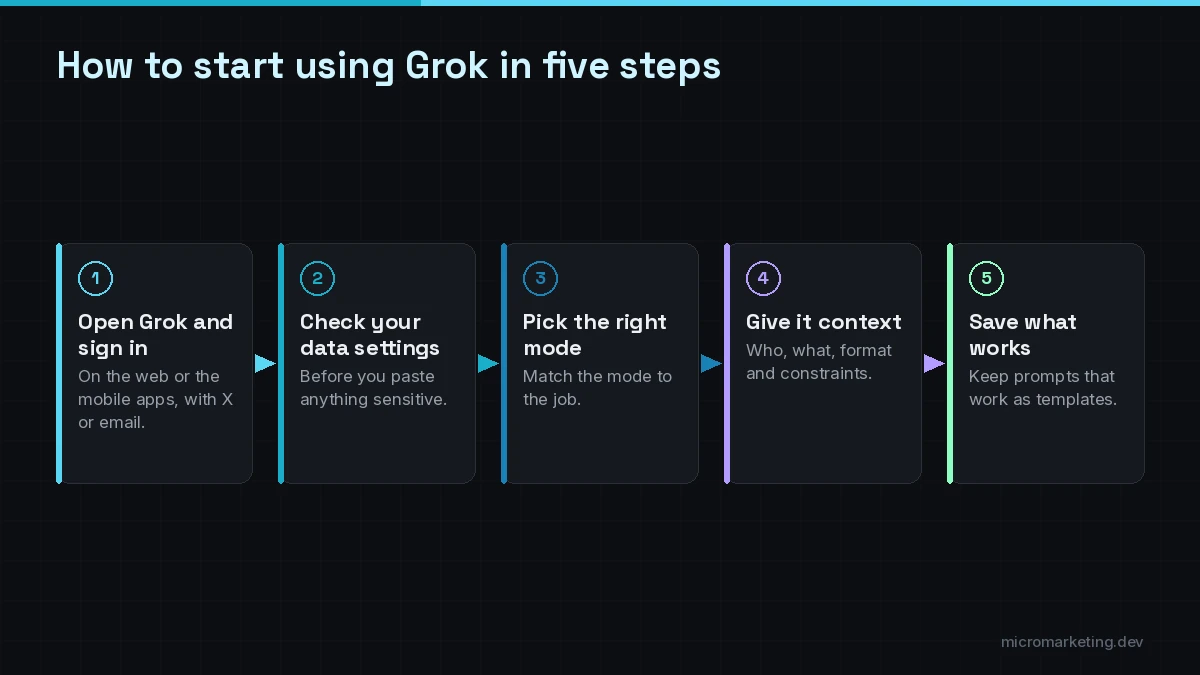
Step 1: Open Grok and sign in
Go to grok.com or install the app, then sign in with your X account or an email address. If you sign in with a work email, be aware that Grok’s consumer terms say your account may be linked to your organization’s enterprise subscription, where an administrator may be able to access and monitor it.
Step 2: Check your data settings before you paste anything
Before you share business information, open the settings and review the data controls. Grok’s consumer terms say that, when you’re logged in, you can choose whether your content is used to improve the products and train the models, and they describe a Private Chat option. Read the current Grok consumer terms for the details, and don’t paste customer records, passwords or anything regulated into a personal account.
Step 3: Pick the right mode for the job
Grok’s official page lists several ways to work:
- Chat for writing, research and quick recaps.
- Search, which pulls live results from the web and X with citations. Use it for anything time-sensitive.
- Deep reasoning, which shows its thinking step by step for harder problems.
- Multi-agent mode (SuperGrok), where several agents work on parts of a hard question in parallel.
- Imagine for images and short videos from text or reference photos.
- Voice for spoken back-and-forth.
Step 4: Give it context, not just a question
Grok, like any AI assistant, does much better with context. A useful pattern:
Role: “You’re helping the owner of a residential HVAC company in South Florida.” Task: “Draft a reply to this customer email asking why our quote is higher than a competitor’s.” Inputs: paste the email and the key facts of the quote. Constraints: “Friendly, under 150 words, no discounts offered, invite them to a call.”
Then iterate: “shorter,” “more direct,” “give me two versions.”
Step 5: Save what works
Use custom instructions to tell Grok about your business and preferred tone once, instead of in every chat. Grok also offers memory across chats, and you can share any conversation with a public link. Be careful with that: a shared link is public.
How to talk to Grok by voice
To talk to Grok, open the app (or grok.com) and switch to voice mode, then speak naturally. Grok’s official page describes voice conversations with low-latency back-and-forth and support for 30-plus languages.
Voice is handy for:
- thinking out loud through a plan while driving or walking a job site,
- practicing a sales call or a tough conversation,
- getting quick answers when your hands are busy.
For anything you’ll send to a customer, switch back to text so you can review the exact wording.
Business tasks Grok is good at
Some practical, low-risk ways small businesses use an assistant like Grok:
- Drafting: emails, proposals, job posts, social captions, FAQ answers.
- Summarizing: long PDFs, contracts (for understanding, not legal advice), meeting notes.
- Research with sources: competitor offers, local events, industry news. Use Search mode and open the citations.
- Spreadsheet help: formulas, cleanup steps and explanations of what a sheet is doing.
- Brainstorming: offer names, campaign angles, objections a buyer might raise.
- Image work: concept images for internal mockups. Be careful with anything that resembles a real person or brand.
Files, images and screenshots
Grok’s official page lists file and PDF analysis and vision understanding (screenshots, photos, diagrams). Practical uses:
- Upload a supplier price list and ask for a comparison table.
- Upload a screenshot of an error message and ask what it means.
- Upload a photo of a handwritten note and ask for a typed, organized version.
Always check figures it extracts from documents against the original.
Limits to know before you rely on it
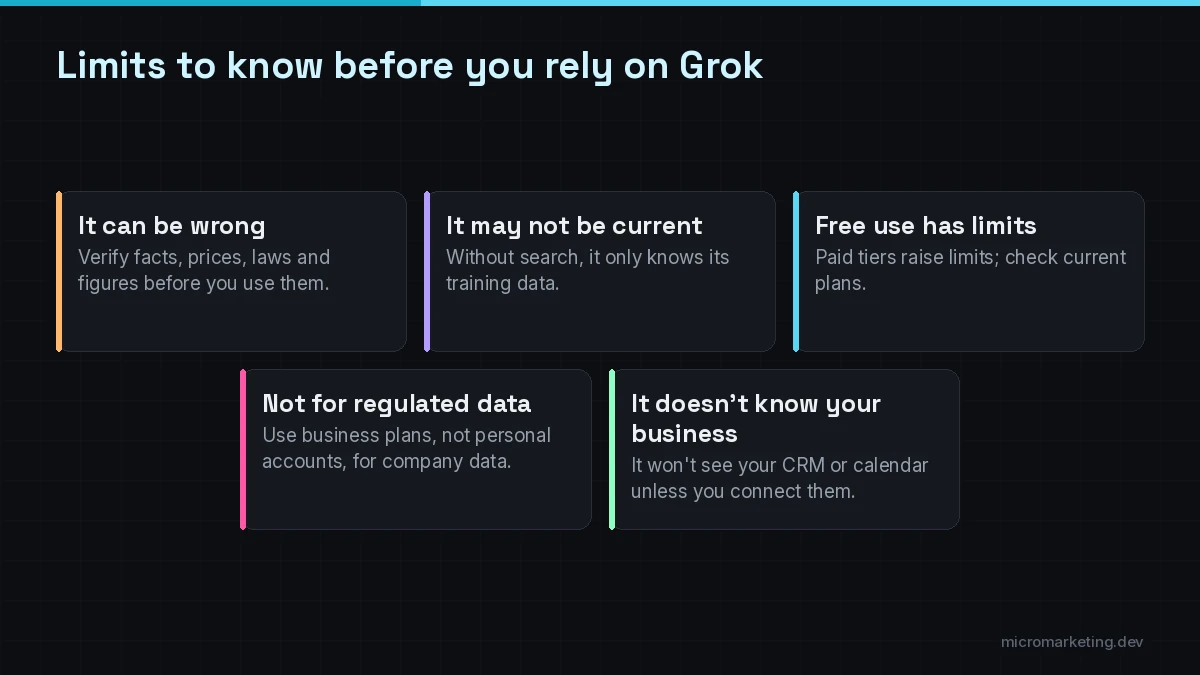
- It can be wrong. Like every AI model, Grok can state incorrect things confidently. Verify facts, prices, laws and numbers, and open the citations in Search mode.
- Know when it’s current. Without search turned on, a model only knows what was in its training data. SpaceXSI’s API documentation lists a May 2026 knowledge cutoff for Grok 4.7 and notes that real-time information requires the search tools.
- Free use has limits. SuperGrok is the paid tier for higher limits; check the current plans in the app before you depend on it for daily work.
- Personal accounts aren’t for regulated data. For team use, SpaceXSI sells Grok Business and Enterprise plans with admin controls. See our guide to Grok for business: plans, costs and use cases.
- It doesn’t know your business. The consumer app won’t see your CRM, calendar or help desk unless you connect them in a business plan, and even then you set the boundaries.
When to build a custom Grok assistant instead
The Grok app is a personal productivity tool. It’s not a customer-facing assistant, and it doesn’t follow your business rules on its own. You’ll want a custom build when you need:
- an assistant on your website, SMS or WhatsApp that answers customers from your approved content only,
- booking, CRM updates or lead capture inside the conversation,
- handoff to your team with the full conversation context,
- logs, review and guardrails so it defers to a person when it isn’t sure.
That’s what our custom AI assistants and chatbots service builds. We build assistants on Grok as well as on OpenAI and Claude models, choosing per workflow. When the job needs an assistant that takes multi-step actions across your tools, it becomes an AI agent development project built on the Grok API. SpaceXSI’s model documentation lists the current API models and prices. Grok is a product of SpaceXSI (formerly xAI); Micromarketing is an independent agency.
For a broader look at how agents differ from chat assistants, read AI agents for small business: a practical 2026 guide.
Frequently asked questions
How do I use Grok for free?
Go to grok.com or install the Grok app on iOS or Android, sign in with an X account or email, and start chatting. Grok is free to try; SuperGrok is the paid tier for higher limits and multi-agent reasoning.
How do I talk to Grok?
Open the Grok app or grok.com, switch to voice mode and speak naturally. Grok supports spoken back-and-forth in many languages. For anything you’ll send to customers, switch to text so you can review the wording.
Is Grok safe to use for business information?
Check your data settings first. Grok’s consumer terms let logged-in users choose whether content is used for training and describe a Private Chat option. Don’t put customer records or regulated data into a personal account; use a business plan with admin controls instead.
Can Grok read PDFs and spreadsheets?
Yes. Grok supports file and PDF analysis and can read screenshots and photos. Always double-check any figures it pulls from a document against the original.
Can Micromarketing build a Grok-powered assistant for my business?
Yes. We build custom assistants on Grok, OpenAI and Claude models, connected to your approved content and tools, with human review and handoff. Grok is a product of SpaceXSI (formerly xAI); Micromarketing is an independent agency.
Turn Grok into an assistant that works for your customers
If you like what Grok does for you personally, the next step is an assistant that does it for your customers, grounded in your content and connected to your calendar and CRM. Book a free strategy call and tell us which questions your team answers every day. The first consult is free. See how our AI assistants and chatbots are built, or explore our wider AI automation services.
Newsletter
Get growth playbooks in your inbox.
Practical SEO, PPC, automation, and web strategy from the Micromarketing team. No fluff, unsubscribe anytime.